
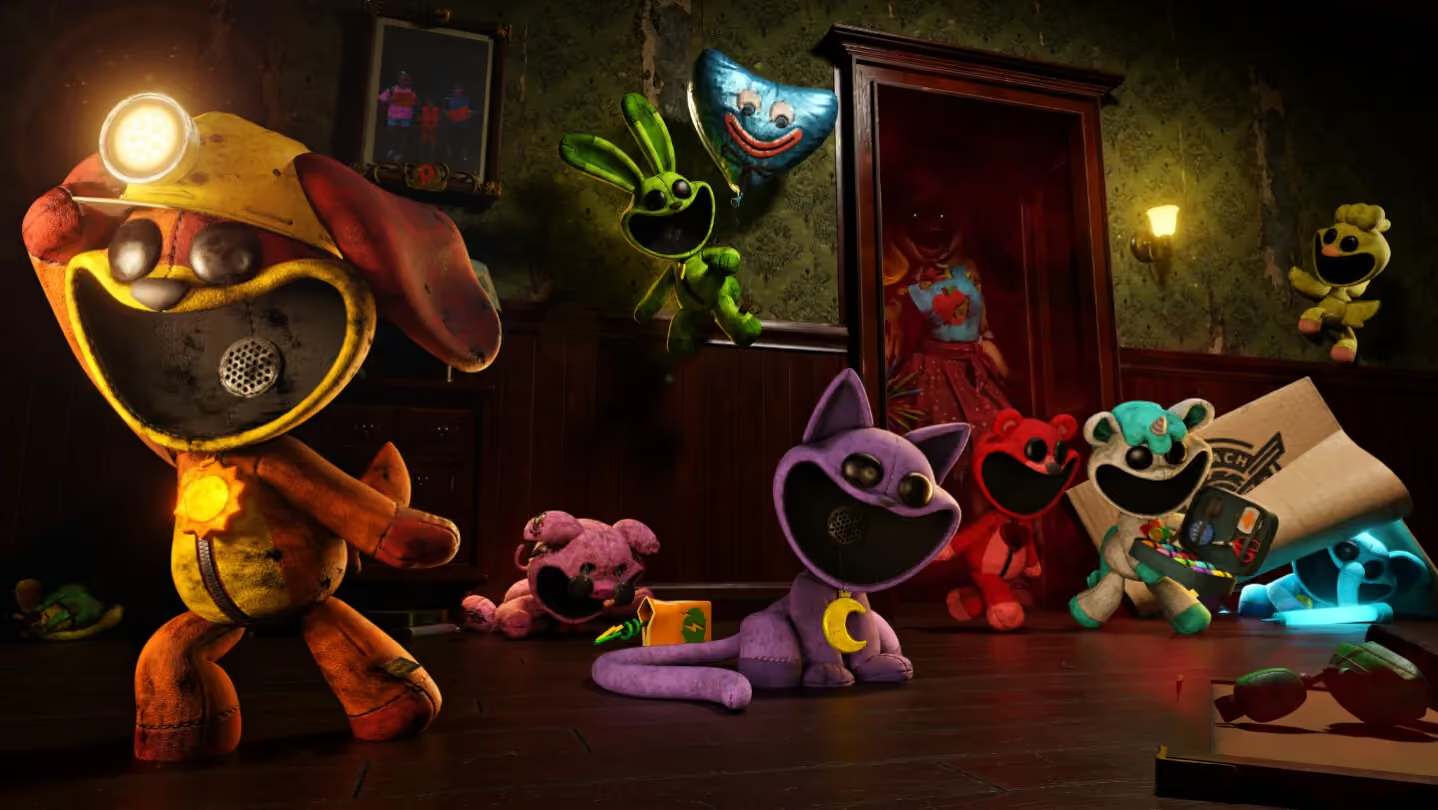
Invite your Steam friends to the same session
- Make sure everyone can launch the released Escape from Playtime game on their own Steam account.
- Choose one player to host and have that person open a game session.
- Use the host's Steam friends list to send the game invitation to each friend.
- Have the invited players accept and wait until the group is together before starting the run.
Use the current invitation controls shown by Steam and the game. Send the invitation through the host's friends list. Start with that route rather than assuming the session uses a separate room-code system.

Separate game access from an invitation
An invitation connects someone who can already access the game. It does not replace having access to the current Escape from Playtime release.
The October open beta ended on October 4, before the October 21 Early Access launch. If a friend only has the old test entry, switching to the released game is the first distinction to make. The beta's FirstLook enrollment process should not be treated as a new registration requirement for the released Steam game.
Confirm the group before beginning
Check that the host and invited players have reached the same session. An accepted Steam invitation is not the same as a completed join if someone remains on a loading message.
Agree on communication before heading into the factory. The game uses proximity voice, so distance can make a teammate difficult to hear after you separate. Gather everyone first, then begin the run as a group.
Related guides
Sources and version notes
Prepared from research collected on October 22, 2026. Early Access rules and availability can change. Launch information takes precedence over older beta instructions. These official links provide current product information and updates; they do not verify every gameplay tip.